Standing outside your home with a silent keypad or dead batteries feels terrifying when you need to get inside fast. Learning how to unlock Teeho door lock systems quickly restores your access using PINs, physical keys, or interior buttons.
This guide details every verified method to open your TE001 deadbolt without stress or confusion. You will discover backup entry techniques, battery replacement steps, and reset procedures to prevent future lockouts.
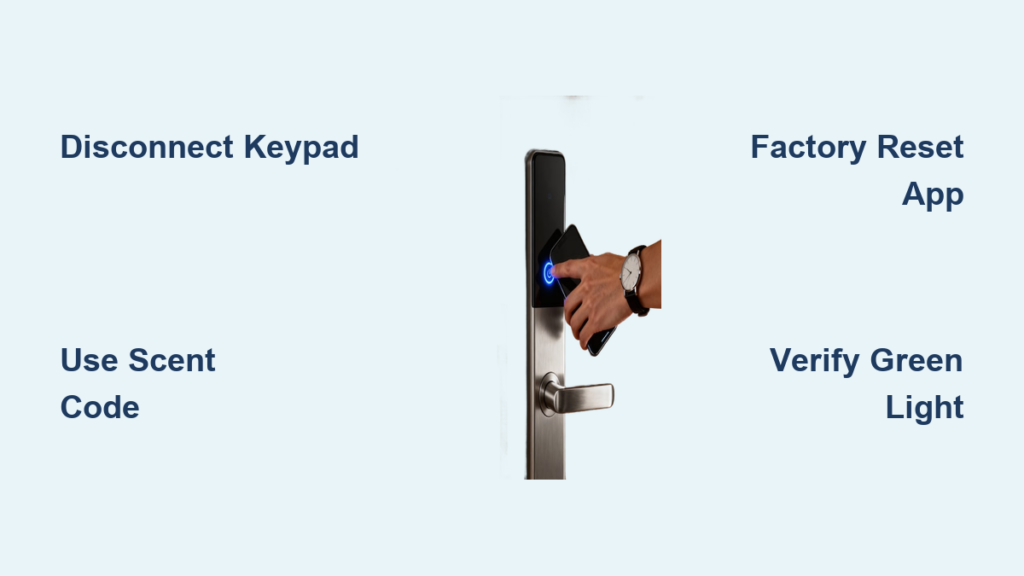
Unlock Your Teeho Lock Using the Keypad Code

The primary way to access your home involves entering a specific numeric sequence on the exterior panel. This method works reliably when batteries have sufficient charge and the system is functional.
Enter Your 4 to 8 Digit PIN Correctly
You must follow a precise sequence to trigger the motorized deadbolt retraction successfully.
- Tap any key on the exterior panel to wake up the display.
- Type your assigned Master or User code consisting of 4 to 8 digits.
- Press the button labeled “Table” to confirm your entry immediately.
The lock emits a beep and retracts the bolt if the code matches your stored credentials. You can enhance privacy by entering random numbers before and after your actual code since the anti-peeping feature recognizes the correct sequence anywhere in the string.
Use the Interior TomTom Release for Quick Exit
Residents inside the home never need a code or key to leave the property safely. The interior unit features a dedicated mechanism designed for rapid egress during emergencies.
Activate the TomTom Button Inside
Locate the clearly marked button on the inner keypad assembly to disengage the lock instantly.
- Find the TomTom button on the interior panel face.
- Press the button firmly with your finger.
- The deadbolt retracts immediately to allow door opening.
This function operates independently of battery power or electronic status. It ensures compliance with safety codes requiring quick exit paths without technical barriers.
Access Your Home With the Physical Emergency Key

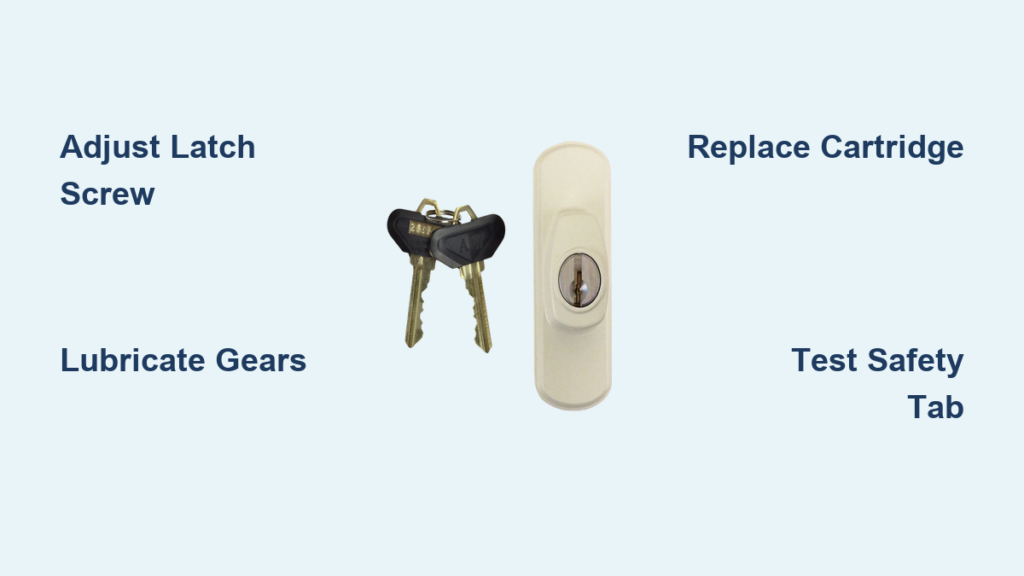
Electronic components can fail or lose power, but the mechanical override guarantees entry at any time. Every unit ships with two physical keys specifically for this scenario.
Insert and Turn the Backup Key
Follow these steps when the keypad refuses to respond or batteries are completely dead.
- Locate the keyhole on the bottom or front of the exterior lock housing.
- Insert one of the provided Teeho physical keys fully into the cylinder.
- Turn the key clockwise gently until you feel the bolt pull back.
Store one key in a secure off-site location like a car lockbox or with a trusted neighbor. This precaution ensures you can still enter if you lose your primary keys or forget every PIN code.
Unlock Remotely Via Smart Home Gateway Integration
Advanced users can bypass the physical keypad entirely by connecting the lock to a smart home ecosystem. This method requires the separate purchase of the Teeho G1 Gateway device.
Control Access Through Smartphone App
Remote management allows you to open the door from anywhere with an internet connection.
- Install the official Teeho Smart application on your mobile device.
- Connect your lock to the G1 Gateway using Bluetooth proximity.
- Link the gateway to your home Wi-Fi network within the app settings.
- Tap the unlock command on your screen to retract the bolt remotely.
Use Voice Commands for Hands-Free Entry
Compatible voice assistants enable verbal control over your locking mechanism.
- Amazon Alexa: Say “Alexa, unlock the front door” to trigger access.
- Google Assistant: Say “Hey Google, unlock Teeho door” for immediate entry.
Enable two-factor authentication in your app settings to prevent unauthorized users from hacking your remote access.
Fix a Non-Responsive Keypad Quickly
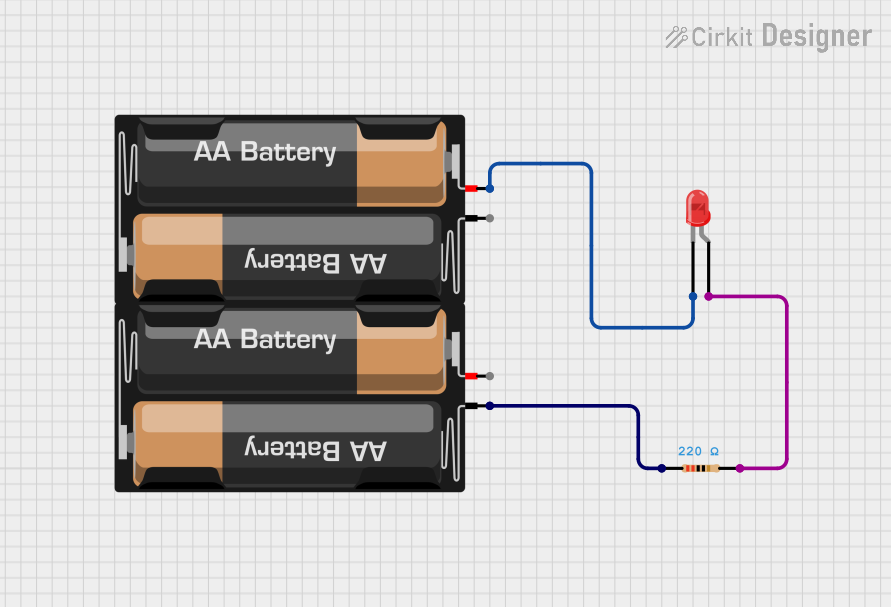
A silent or unresponsive panel usually indicates depleted power sources rather than permanent damage. Replacing the energy source often resolves the issue within minutes.
Replace All Four AA Batteries Simultaneously
You must swap every battery at once to maintain consistent voltage levels across the system.
- Use a Phillips screwdriver to remove the interior battery cover.
- Take out all existing batteries from the compartment.
- Insert four new AA alkaline batteries matching the polarity diagrams.
- Secure the cover and test the keypad functionality.
Critical Rule: Never mix old and new batteries or different brands together. Uneven voltage causes erratic behavior and significantly reduces overall runtime.
Reset the Lock to Factory Default Settings

Forgotten codes or persistent glitches often require a full system reboot to restore normal operation. This process erases all custom user data.
Perform a Hard Reset on the Unit
Execute this sequence to clear memory and return settings to their original state.
- Remove the interior battery cover and take out all batteries.
- Wait exactly 30 seconds to let residual power discharge completely.
- Reinstall fresh batteries into the compartment.
- The system reboots with the default Master Code 1234 active.
Reprogram your personal codes immediately after resetting to ensure security. All previous user codes disappear during this process, so you must create new ones for household members.
Reprogram Master and User Access Codes
Customizing access allows up to 99 unique individuals to enter using their own personal identification numbers. This feature is ideal for families or rental properties.
Add a New User PIN Step-by-Step
Create new credentials using the current Master Code to authorize changes.
- Enter your active Master Code on the keypad.
- Press the Program button labeled “P” on the interior unit.
- Input your desired 4 to 8 digit new PIN.
- Press the “Table” button to submit the new number.
- Re-enter the same PIN to confirm accuracy.
- Listen for the success beep indicating the code is saved.
Change your default Master Code from 1234 immediately after installation. Rotate user codes periodically when tenants move out or service workers no longer need access.
Troubleshoot Common Unlocking Failures
Even well-maintained locks encounter occasional issues that prevent smooth operation. Identifying the specific symptom helps you apply the correct fix quickly.
Diagnose Mechanical and Electronic Issues
| Symptom | Likely Cause | Solution |
|---|---|---|
| PIN accepted but bolt stays | Misaligned strike plate | Adjust plate position on door frame |
| Repeated error beeps | Wrong code or lockout | Wait 30 seconds then retry carefully |
| No response from keypad | Dead batteries | Replace all 4 AA batteries now |
Check if Passage Mode is active if the door fails to auto-lock after closing. Disable this mode via the app or keypad settings to restore automatic securing features.
Prevent Future Lockouts With Maintenance
Proactive care extends the life of your lock and ensures reliable access during critical moments. Regular checks reduce the risk of unexpected failures.
Follow an Annual Maintenance Checklist
Implement these habits to keep your locking mechanism in top condition.
- Test battery levels every six months using the app or keypad indicators.
- Verify strike plate alignment allows smooth bolt extension and retraction.
- Clean the keypad surface with a dry cloth to remove dust and grime.
- Confirm all active user codes are still relevant for current residents.
Keep the unit within its operating temperature range of -10°C to 60°C. Although rated IP55 for dust and water resistance, avoid spraying the lock directly with a hose.
Frequently Asked Questions About Unlocking Teeho Locks
What is the default code for a new Teeho lock?
The factory default Master Code is 1234. You should change this immediately after installation for security purposes.
How do I open the lock if the battery dies completely?
Use the two physical keys provided with your purchase to mechanically turn the cylinder and retract the bolt.
Why does my keypad not respond when I press keys?
Dead batteries are the most common cause, so replace all four AA cells with fresh alkaline ones to restore function.
Can I unlock my Teeho lock from far away?
Yes, but only if you have purchased and installed the separate Teeho G1 Gateway for remote smartphone access.
How many user codes can I program on this lock?
The system supports up to 99 unique user codes, allowing extensive customization for families or rental units.
Key Takeaways for How to Unlock Teeho Door Lock Success
You now possess multiple reliable methods to access your home using PINs, interior buttons, physical keys, or smart commands. Regular battery replacement and code management ensure your Teeho door lock remains responsive and secure year-round.
Perform a hard reset by removing batteries for 30 seconds if you encounter persistent errors or forgotten codes. Keep your physical backup key in a safe off-site location to guarantee entry during total power failures.
Visit the official support portal or contact customer service if mechanical issues persist after troubleshooting. Your safety and access depend on maintaining these simple but critical operational habits.