You are staring at a push button lock that refuses to budge, and the frustration is mounting. Whether you forgot the code or the buttons feel stuck, knowing how to open a push button lock is essential to regaining access without causing damage.
This guide details specific methods for mechanical and electronic models, including reset procedures and cleaning techniques. You will learn how to identify your lock type, use backup keys, and apply force only as a final resort.
Identify Your Push Button Lock Type

Determining if your lock is mechanical or electronic is the first critical step. The solution for how to open a push button lock varies significantly based on the internal mechanism.
Distinguish Mechanical From Electronic Systems
Mechanical locks rely on physical pins and cams to secure the bolt. These units do not require batteries and are common in older safes or basic lockboxes.
Electronic models need power to function. They emit beeps when pressed and often feature LED screens or indicator lights.
Key visual differences include:
* Mechanical: Silent operation, no lights, springy button feel
* Electronic: Audible beeps, digital displays, specific function keys
Locate Brand and Model Identifiers
Search the casing for manufacturer labels, model numbers, or serial codes. This information is vital for finding the correct reset instructions.
Many brands like Master Lock, SentrySafe, and First Alert have unique reset systems. Finding the model number allows you to search for specific manuals online.
Reset Mechanical Push Button Locks

You can only reset the code on a mechanical push button lock if the unit is currently in the open position. If it is locked, you must troubleshoot unresponsive buttons first.
Execute the Reset Procedure
Follow these steps carefully to change your combination while the lock is open.
- Open the lock using the current valid code
- Find the reset lever or pin inside the door frame
- Push and hold the reset mechanism firmly
- Enter your new 4 to 6 digit combination
- Release the reset lever to lock in the new code
- Test the new sequence three times to confirm
Pro Tip: Avoid obvious sequences like 1234 or 0000, as these are easy for intruders to guess.
Check Brand-Specific Reset Locations
Different manufacturers place reset mechanisms in various spots. Knowing where to look saves time during the process.
- Master Lock 5400: Features a slide lever inside the main body
- Husky 1500 Series: Uses a small button near the shackle
- First Alert Models: Often hides a red button under the battery cover
If your model lacks a reset feature, the factory code is permanent unless you disassemble the unit.
Fix Unresponsive Push Button Locks
Sticky or unresponsive buttons often prevent a lock from opening. Dirt, dust, or residue can jam the internal mechanism, making it seem broken.
Clean the Keypad Thoroughly
Regular cleaning removes debris that causes buttons to stick. This is especially important for locks kept outdoors or in humid areas.
Follow this cleaning routine:
1. Spray compressed air into the gaps around each button
2. Wipe around buttons with an alcohol-dipped swab
3. Allow the unit to dry completely before testing
4. Press every button firmly to ensure full movement
Never use oil-based cleaners, as they attract more dirt and damage internal springs.
Apply Graphite Lubricant Correctly
If cleaning alone fails, apply dry graphite powder to reduce friction inside the button shafts.
- Blow a small amount of graphite into each button hole
- Press each button 10 to 15 times to spread the lubricant
- Wipe away any excess powder from the surface
Graphite works better than silicone because it does not degrade plastic components over time.
Bypass Locked Push Button Safes

When you lose the code to a closed safe or box, non-destructive bypass methods are your best option. These techniques avoid permanent damage to the unit.
Utilize the Emergency Override Key
Many push button safes include a hidden keyhole for emergencies. Check the bottom, side, or back of the unit for a small cover.
- Insert the provided override key and turn gently
- Locate the key in your original product documentation
- Do not force the key if it resists turning
This method bypasses the electronic or mechanical keypad entirely.
Attempt Factory Default Codes
Some units ship with a preset code that works until the user changes it. Trying these defaults can sometimes restore access immediately.
Common default combinations include:
* 1234
* 0000
* 1111
* 7777
* 123456
Check your user manual or the manufacturer’s website for model-specific defaults.
Request Code Recovery From Manufacturer
Manufacturers often provide code recovery services for verified owners. This is a reliable way to learn how to open a push button lock without tools.
You will typically need to provide:
* The model and serial number
* A copy of your purchase receipt
* A clear photo of the lock unit
Brands like SentrySafe and First Alert offer this support for registered products.
Use Force as a Last Resort
Destructive methods should only be used when all other options fail and the contents are critical. Be aware that these actions will ruin the lock.
Pry the Latch Mechanism
Use a flathead screwdriver and a rubber mallet to force the latch open. This method risks damaging the case and the locking bolt.
- Insert the screwdriver tip at the seam near the latch
- Tap the handle gently with the mallet to create a gap
- Twist the tool to widen the opening and release the bolt
This approach is only suitable for low-value or disposable lockboxes.
Cut the Shackle Completely
If the lockbox has an exposed metal shackle, bolt cutters offer a quick solution. This bypasses the mechanism entirely by destroying the locking bar.
- Position bolt cutters around the thinnest part of the shackle
- Squeeze handles firmly to snap the metal
- Replace the lock immediately after access
This method is irreversible and renders the lock useless.
Prevent Future Lockout Issues
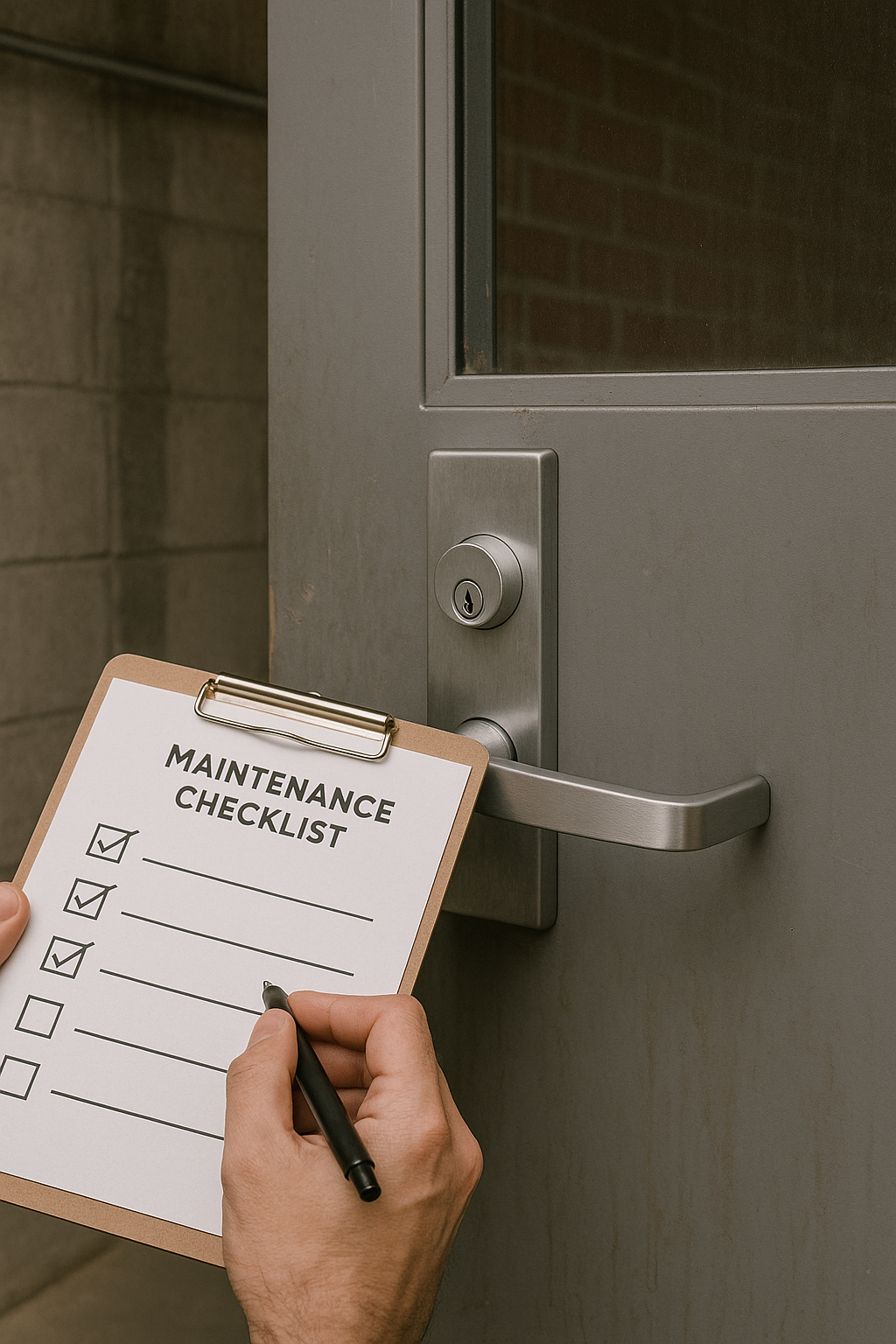
Taking proactive steps now can save you from future headaches. Proper maintenance ensures your lock remains reliable for years.
Store Codes Securely
Write down your code and keep it in a secure location away from the lock itself.
Safe storage options include:
* A dedicated password manager app
* A locked drawer in your home office
* A trusted family member or friend
Never leave the code written on a sticky note attached to the lock.
Perform Monthly Maintenance Tests
Test your lock regularly to ensure all buttons press smoothly and the mechanism engages correctly.
- Cycle the lock open and closed once a month
- Listen for unusual clicking or grinding sounds
- Clean the keypad if buttons feel sluggish
Early detection of wear prevents total failure when you need access most.
Handle Real Estate Lockbox Protocols
Real estate professionals often use specialized push button lockboxes like the Supra eKey. These units have strict security protocols.
Follow Authorized Reset Procedures
Only authorized users with the proper eKey device can reset these locks. Manual overrides are generally not available for security reasons.
Contact Supra support with your agent ID if you encounter issues. They can verify your identity and assist with resets remotely.
Contact Your Broker for Access
If you forget the code to a real estate lockbox, do not attempt to break it. This violates MLS policies and can lead to fines.
- Call your brokerage administration team immediately
- Request a reset through the official portal
- Complete any required two-factor authentication steps
Professional lockboxes require account-level access rather than local troubleshooting.
Frequently Asked Questions About Push Button Locks
Can I open a mechanical push button lock without the code?
If the lock is closed, you generally cannot open a mechanical push button lock without the code unless you have the factory default or use destructive force. Mechanical designs lack electronic bypasses, so resetting requires the unit to be open first. Your only non-destructive option is contacting the manufacturer with proof of ownership.
What is the default code for most push button safes?
Many manufacturers ship safes with simple defaults like 1234, 0000, or 123456. However, this varies by brand and model, so you should check your specific user manual. Trying these common sequences is a good first step if you have never changed the code.
Why are my push button lock buttons not working?
Buttons often fail due to dirt, dust, or sticky residue building up inside the mechanism. Cleaning the keypad with compressed air and isopropyl alcohol usually resolves the issue. If cleaning fails, the internal springs may be worn out or the battery could be dead in electronic models.
How do I reset my lock if I forgot the current code?
You cannot reset a mechanical push button lock if you have forgotten the code and the unit is closed. Resetting requires the lock to be in the open position to access the internal reset lever. For electronic models, you may need to use an override key or contact the manufacturer for assistance.
Is it safe to use WD-40 on push button locks?
No, you should never use WD-40 or oil-based lubricants on push button locks. These products attract dust and dirt, which eventually gums up the internal mechanism and causes failure. Always use dry graphite powder for lubricating lock buttons and shafts.
Key Takeaways for Opening Push Button Locks
Knowing how to open a push button lock starts with identifying whether your unit is mechanical or electronic. Mechanical locks require the unit to be open for resetting, while electronic models may offer key overrides or manufacturer recovery services. Regular cleaning with graphite powder and secure code storage prevents most lockout scenarios.
Always attempt non-destructive methods like cleaning, default codes, or backup keys before considering force. If you are unsure about your specific model, consult the manufacturer’s guide to avoid permanent damage. With the right approach, you can resolve most access issues quickly and safely.